How does it work?
Get the best offer quickly and conveniently!
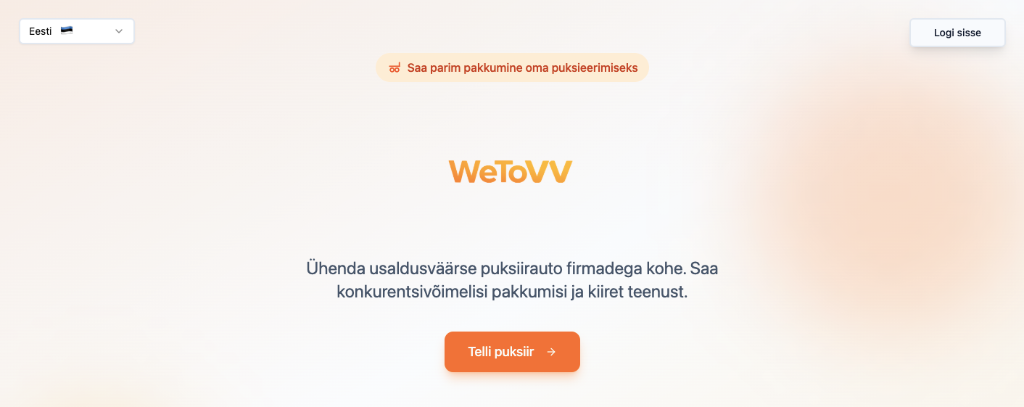
Home Page
In the top right corner you will find the Sign In button.
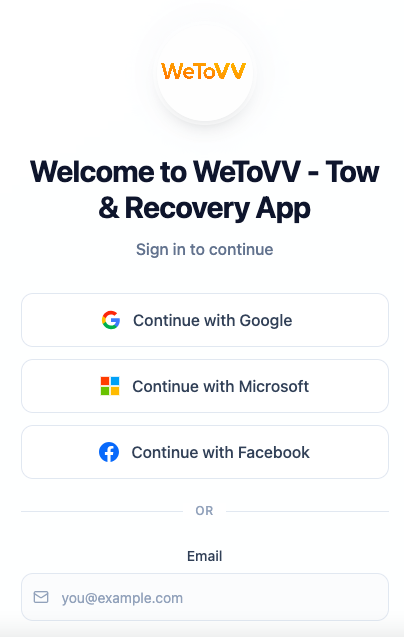
Sign In
Choose the most suitable way to register.
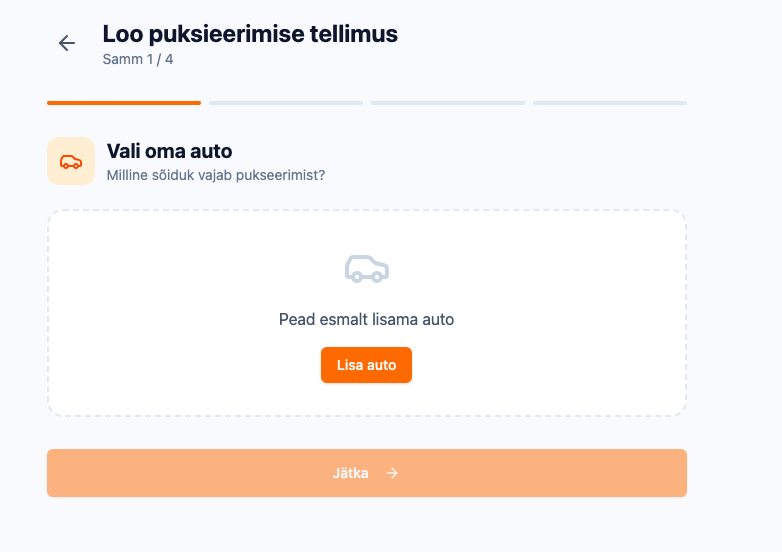
Add Your Car
Add your vehicle. Note: The car is saved and you won't need to add it again next time.
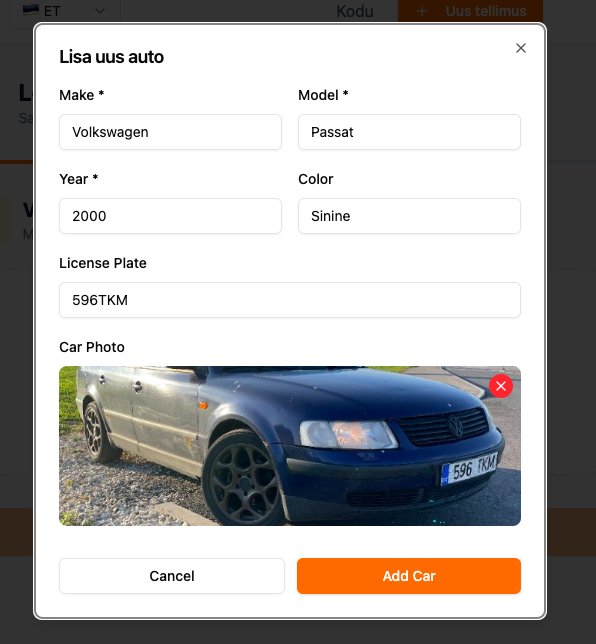
Enter Car Details
Fill in your car details. Note: We recommend filling in all fields. A photo is also very important.
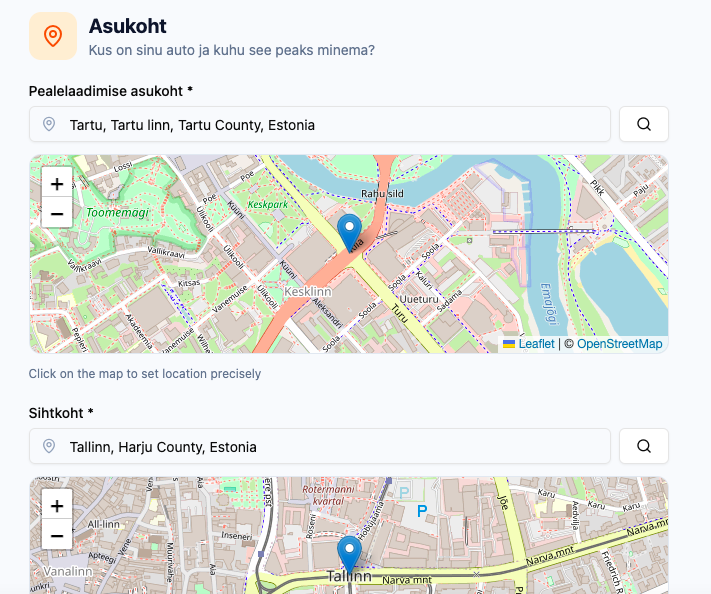
Set Location
Be very precise with the location. You can also select it on the map. The more accurate the location, the easier it is for the driver to set a price and fewer issues later.
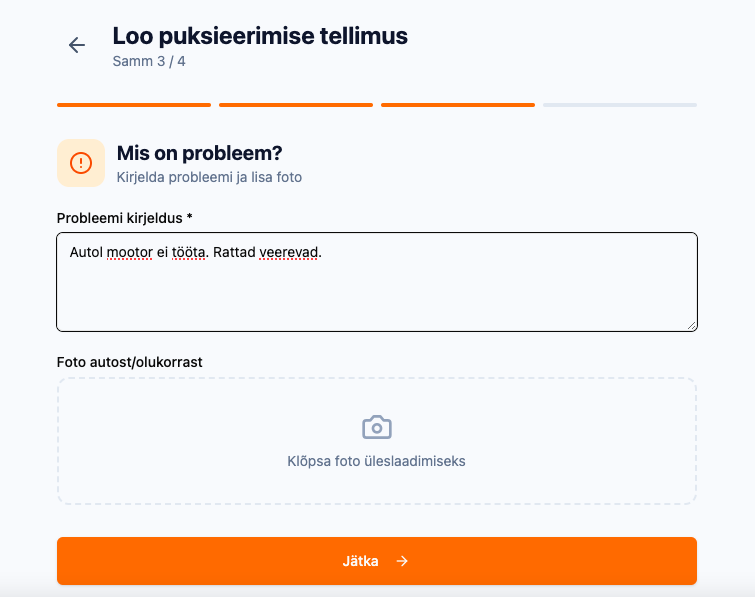
Describe the Problem
Describe the situation as precisely as possible. A picture says more than a thousand words.
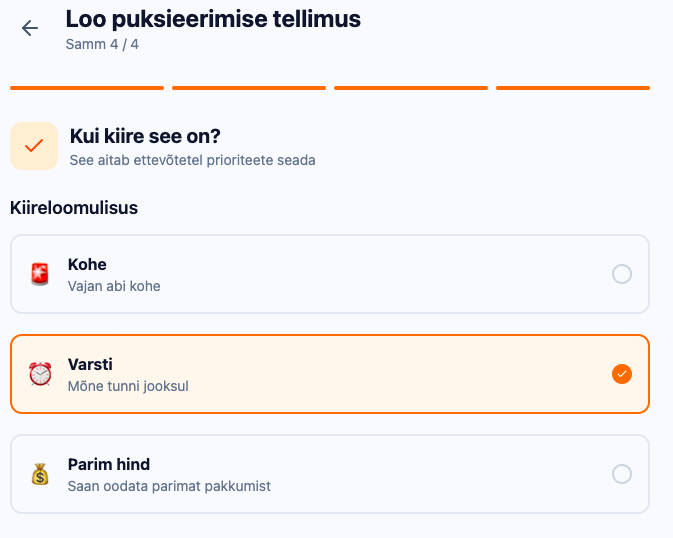
Select Urgency
You can choose how quickly you need the service.
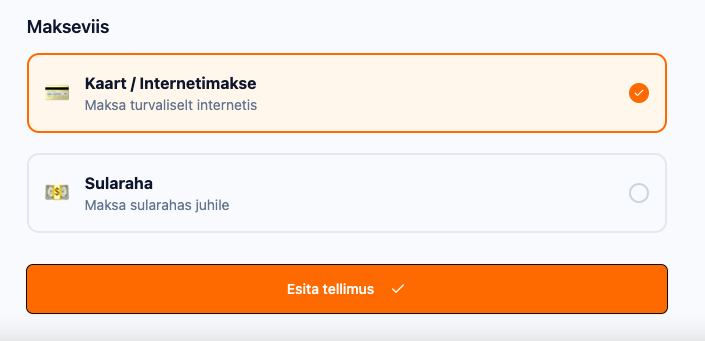
Payment & Submission
When choosing a payment method, we recommend card/internet payment. Prices include VAT. If you need a company invoice, contact info@wetovv.com